 UniDoc
Edit the page.
Use it as an app.
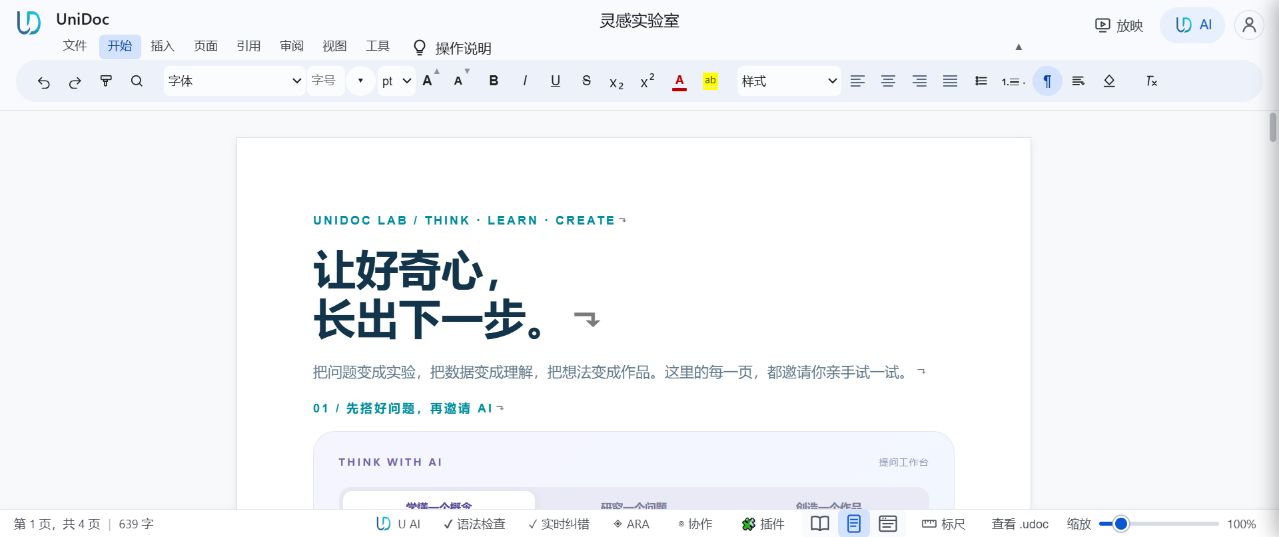
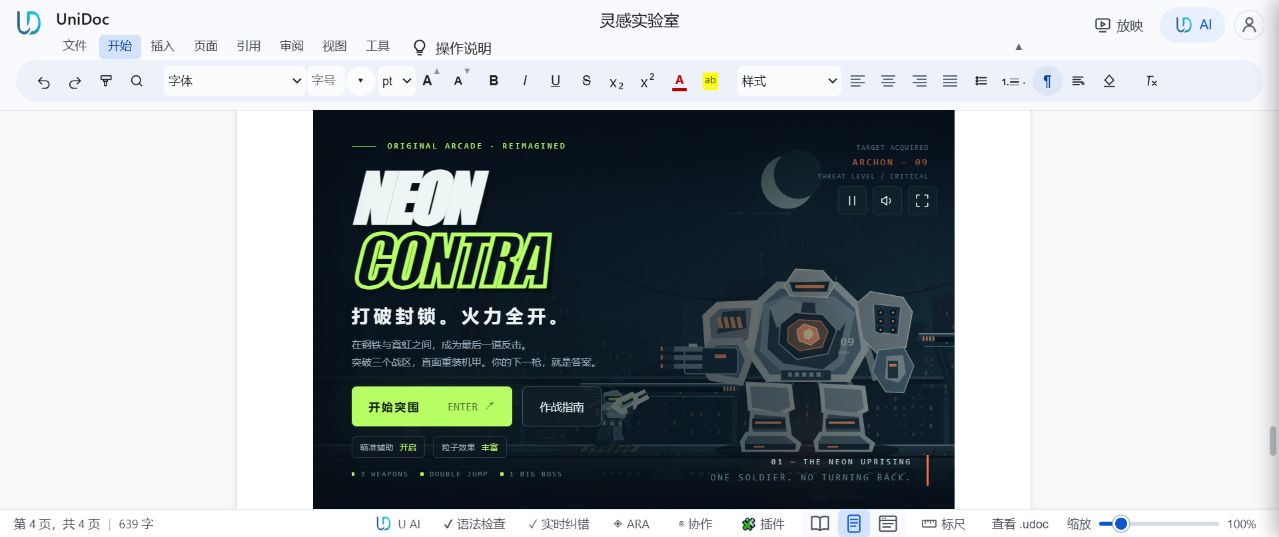
Take documents from something you read to something you use. What you see is what you edit: bring words, visuals, checklists and interaction together in UniDoc. Keep your original in UDOC, and put your ideas to work.
Works in your browser · Keep an editable originalInside the UniDoc workspace
Writing & layout
Headings, paragraphs, images and tables give your ideas structure.
Research with AI
Draft and review with AI; check the original sources.
The UDOC original
Keep the original. Choose a format that works for your reader.
Make the context clear.
Keep the next step visible.
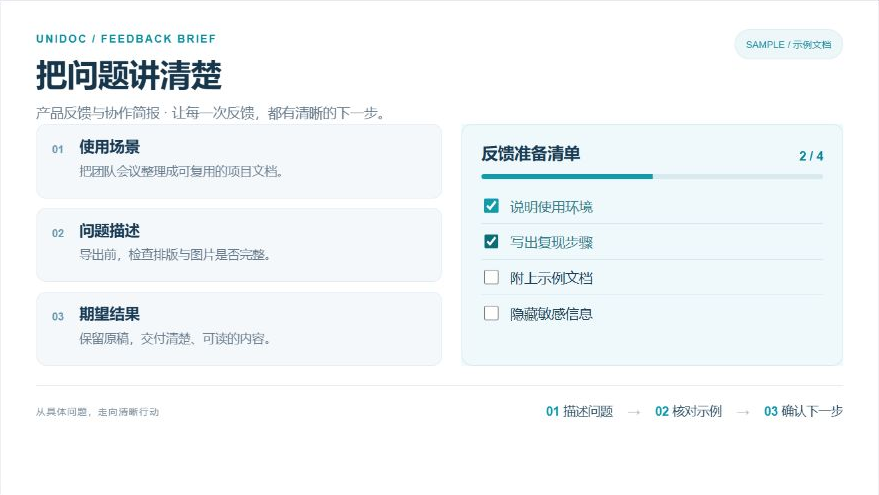
Bring the problem, supporting screenshots and a checklist together. A one-page brief gives the next person context and a clear next step.
- Give context and describe the intended result
- Work through a practical preparation checklist
- Keep the UDOC original and keep refining
Share the result.
Keep your original.
UDOC keeps structured content and embedded assets together. Return to the original to keep creating, then choose the right delivery format.
Discover the UDOC formatKeep creating
Native content and embedded assets
Deliver fixed pages
Review fonts, pagination and layout
Read through a link
Open supported text and images in a browser
Start with the work in front of you.
Good methods are worth sharing.
Practical guides and document workflows. Current articles are in Chinese.
From an illustrated brief to a dynamic document
Connect the problem, screenshots and acceptance checklist for the people who need them.
A practical guide to opening, saving and exporting UDOC
Understand the difference between a native document, an exchange format and a public page.
Publish a UniDoc document as an illustrated blog
Keep the original UDOC package and give readers a complete HTML article.
What does “a page as an app” mean?
In the UniDoc workspace, a document can combine text and images with checklists and supported interactive content. A page can be something you use, not just read. A published static blog keeps readable text and images without executing document scripts.
Do I need to install anything?
Open the workspace in a modern browser, or download the desktop app from download.omnidoc.top. Account and cloud features may require sign-in.
How is UDOC different from PDF?
UDOC is an original you can keep editing in UniDoc. PDF suits fixed-page reading and delivery. Check fonts, pagination and complex content after export.
How does a document become a blog?
Import supported UDOC text and images into Omniwing, review the draft and publish HTML. The original stays in private R2 storage; public articles do not execute document scripts.
Does this site follow my browser language?
The homepage supports 16 languages and follows your browser preference by default. Choose a language or return to browser mode. Each language has its own URL. Product details are currently Chinese and English; blogs and documents keep their original language.